Malware Development 101 - Delivery
Delivery refers to the stage where an attacker transfers or presents a weaponized payload to the intended target using a chosen attack vector. It involves selecting and using a channel such as email, a web service, removable media, or a network protocol to ensure the malicious content reaches the victim system or user. At this stage, no vulnerability is necessarily exploited and no code execution is required; the objective is solely to place the payload within reach of the target. This can be used as a step to gain Initial access.
The most common method of delivery is through email phishing. Phishing is a social engineering technique that tricks users into clicking links or running suspicious software in order to gain access to an environment. This is beyond the scope of this article.
This article will be focusing on bundling the payload/malware for delivery to the target , including ways to prevent detection by email firewalls.
An example attack path from Phishing to Delivery to initial access
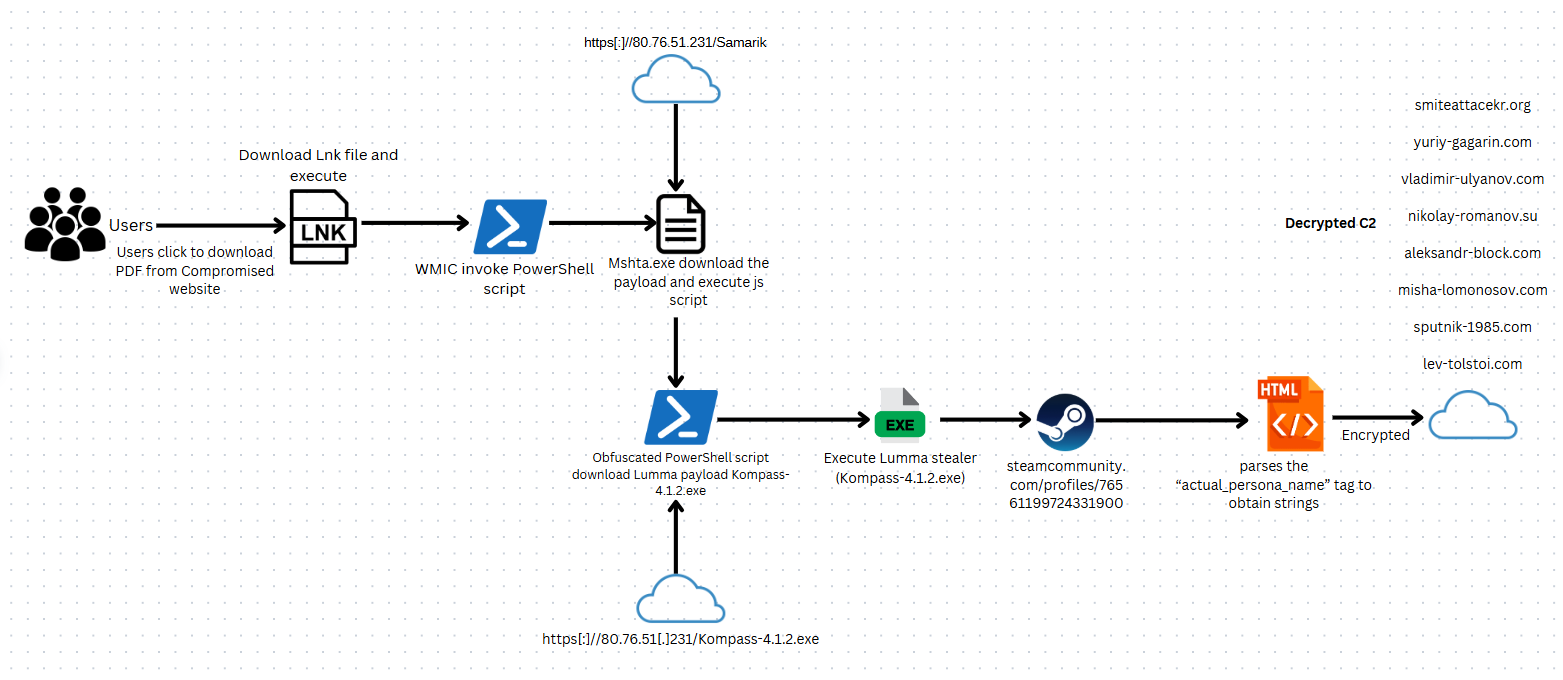
There are five parts for this:
-
Payload - this part contains the malicious code that will run on the victim host
-
Decoy - this is the file/code that acts as a “trojan horse” to ensure that what the victim was expecting is what the victim sees
-
Dropper - this is responsible for delivering or deploying the payload onto the target system, often designed to evade security controls during initial execution. , this can be achieved using tools such as » GadgetToJScript
-
Trigger - this is the file that the user will interact with after extracting the container. You typically want this to be as ‘pain-free’ as possible, like a double-click.
-
Container - this provides a means of bundling your dependencies (trigger, payload, and decoy) into a single file. This simplifies the process of sending multiple files to a victim and can add a level of obfuscation
Payloads
These can be in the form of :
-
Malicious dll that can be used in DLL sideloading - this is where legitimate applications are forced to load malicious dlls
-
Windows Installer Files (MSI) - this is where malware in packaged in msi files that trick a user who wants to install software into running malware
-
Excel Addins - this is where we use macros in “.xlam” which are templates for excel. This can be used as a stager to download the real malware.
Trigger
Triggers can be in the form of :
- Batch scripts
- Shell Link
- Microsoft saved console
Container
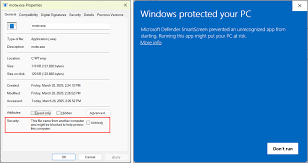
Mark of the Web, aka MotW, is a zone identifier used to mark files that have been downloaded from the Internet as potentially unsafe. This can be seen on a file by looking at its properties in Explorer or using PowerShell.
Certain container formats may preserve or strip Mark of the Web metadata, which directly impacts whether files are opened in Protected View or with security warnings.
The ISO/IMG, ZIP, and WIM formats are solid choices as they’re natively supported by Windows. You could go for something like 7z, Gz, or WinRAR, but a victim may not have the required software available to interact with them. You can package your files manually, or use a tool such as » PackMyPayload
Setup
For this tutorial I will use the following
- Excel Addin as payload
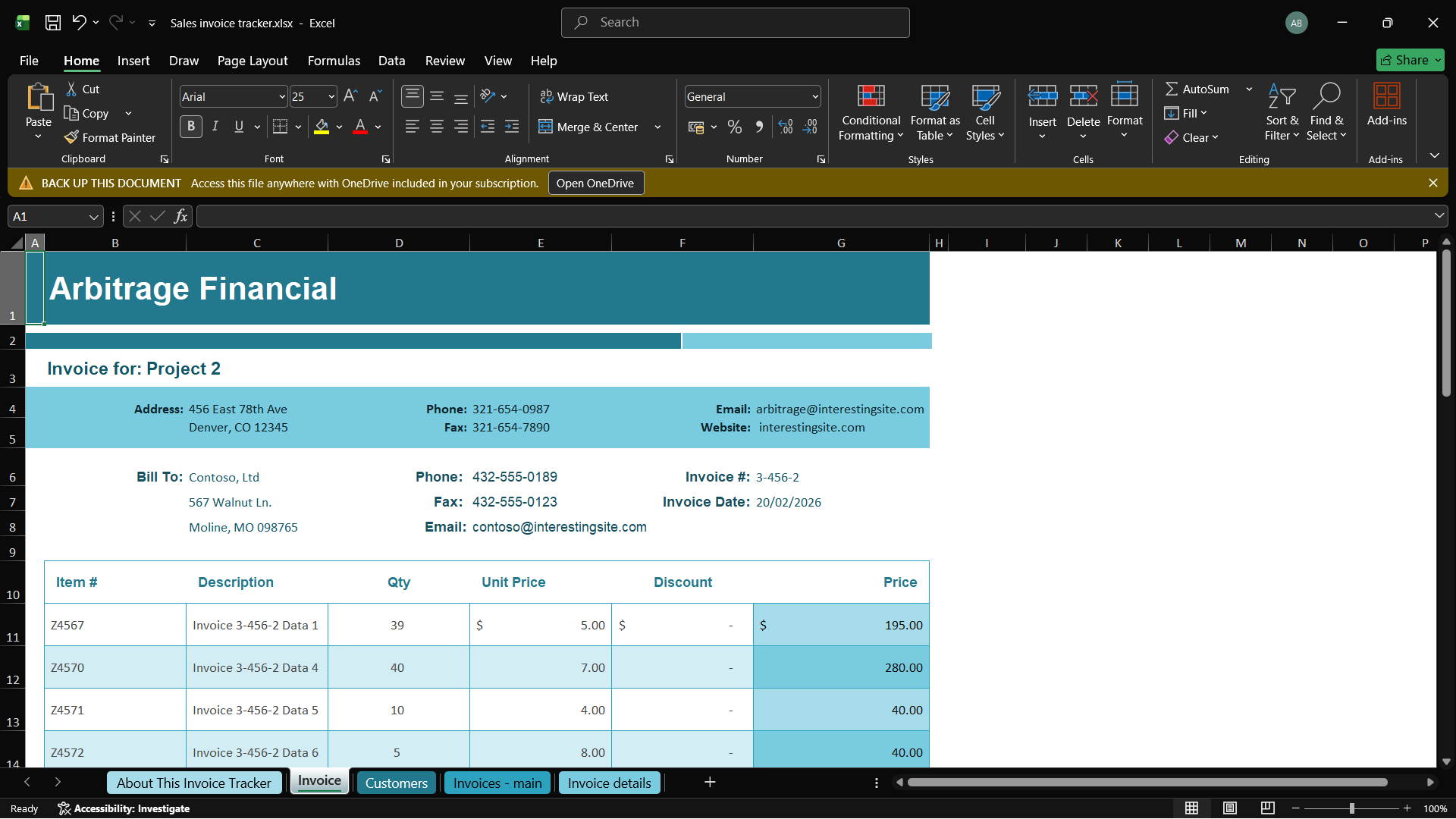
- Excel file as decoy
- Shell Link as Trigger
- ISO file as container
For the decoy excel file you can just create any file with dummy data. For this part i felt a bit lazy to create the file but realized if i downloaded one online i might fall victim to what im trying to teach here , haha ;)
Then we create the payload. The payload will be an excel addin.
To create an XLAM, create a new empty workbook and open the VB editor using Alt + F11. Right-click on the VBAProject and select Insert > Module.
paste this
|
|
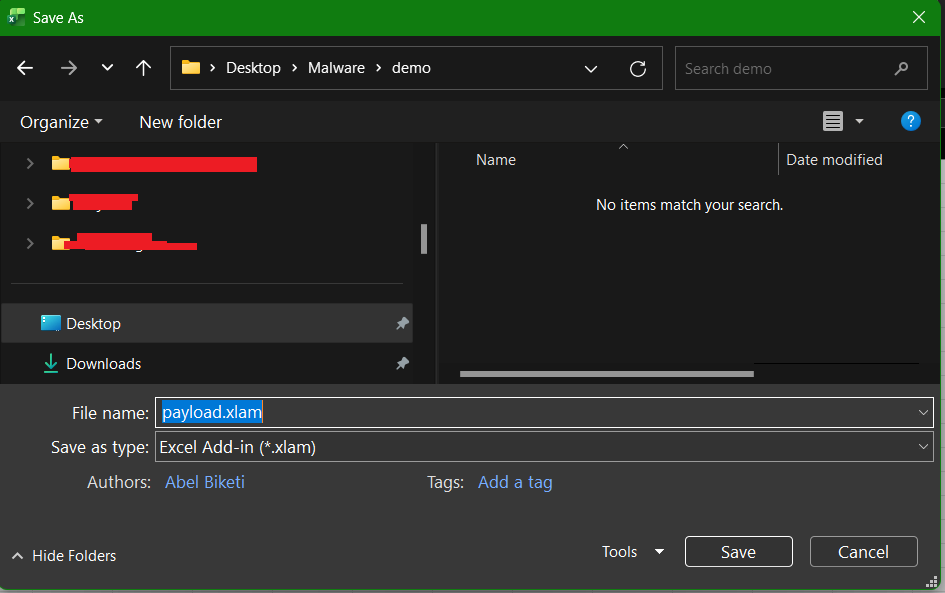
Save it as an xlam file
This is just a simple example the code can be modified to download the second stage of a malware.
TODO: At the end of this section ill demo how to use a c2 beacon exe as a payload instead of this.
For the trigger i will use a Shell Link. This are microsoft shortcut files.
The powershell code below is used to create a trigger for exe payloads.
|
|
This one is for excel payloads
|
|
Since excel automatically blocks macros in workbooks , we need to copy the xlam file to any of the following folders since excel will load it automatically when launched , I don’t know if we can consider this a means of persistence??
|
|
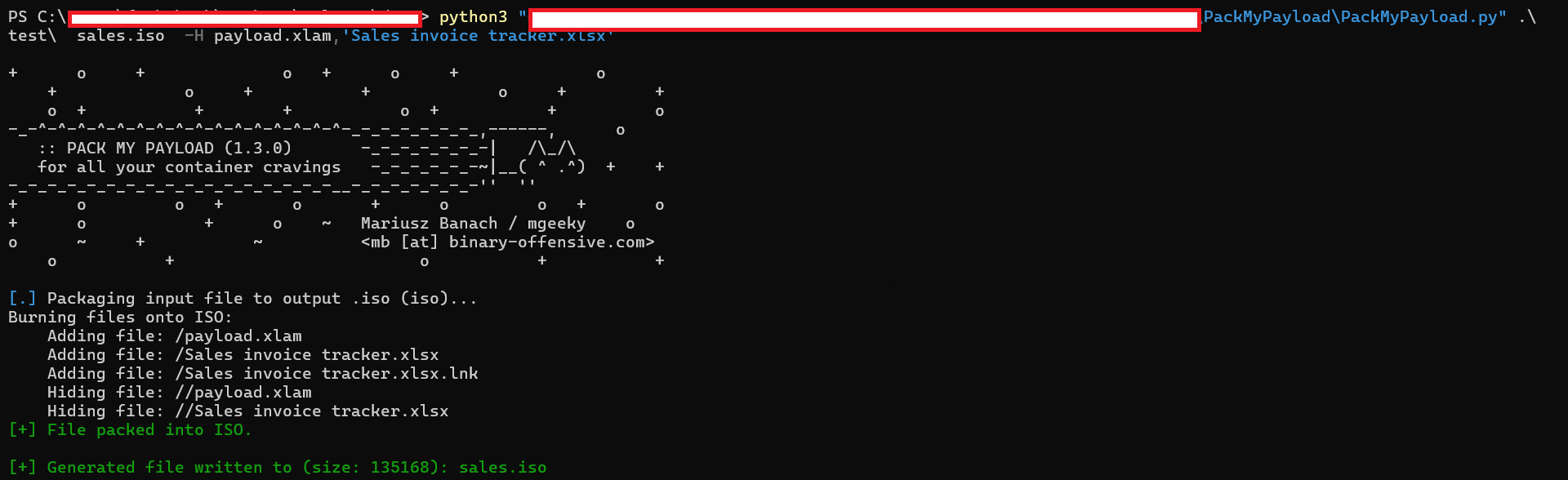
For the container we can use PackMyPayload to bundle the above artifacts in an iso file.
This are my current artifacts
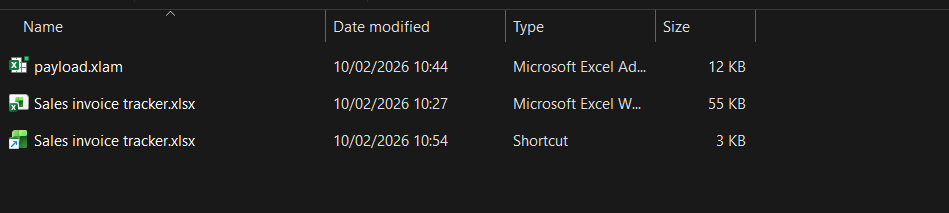
Ill put then in an iso file and hide payload.xlam and “Sales invoice tracker.xlsx”
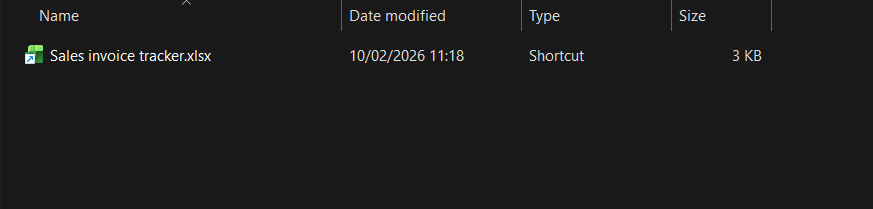
This is what the iso file looks when mounted
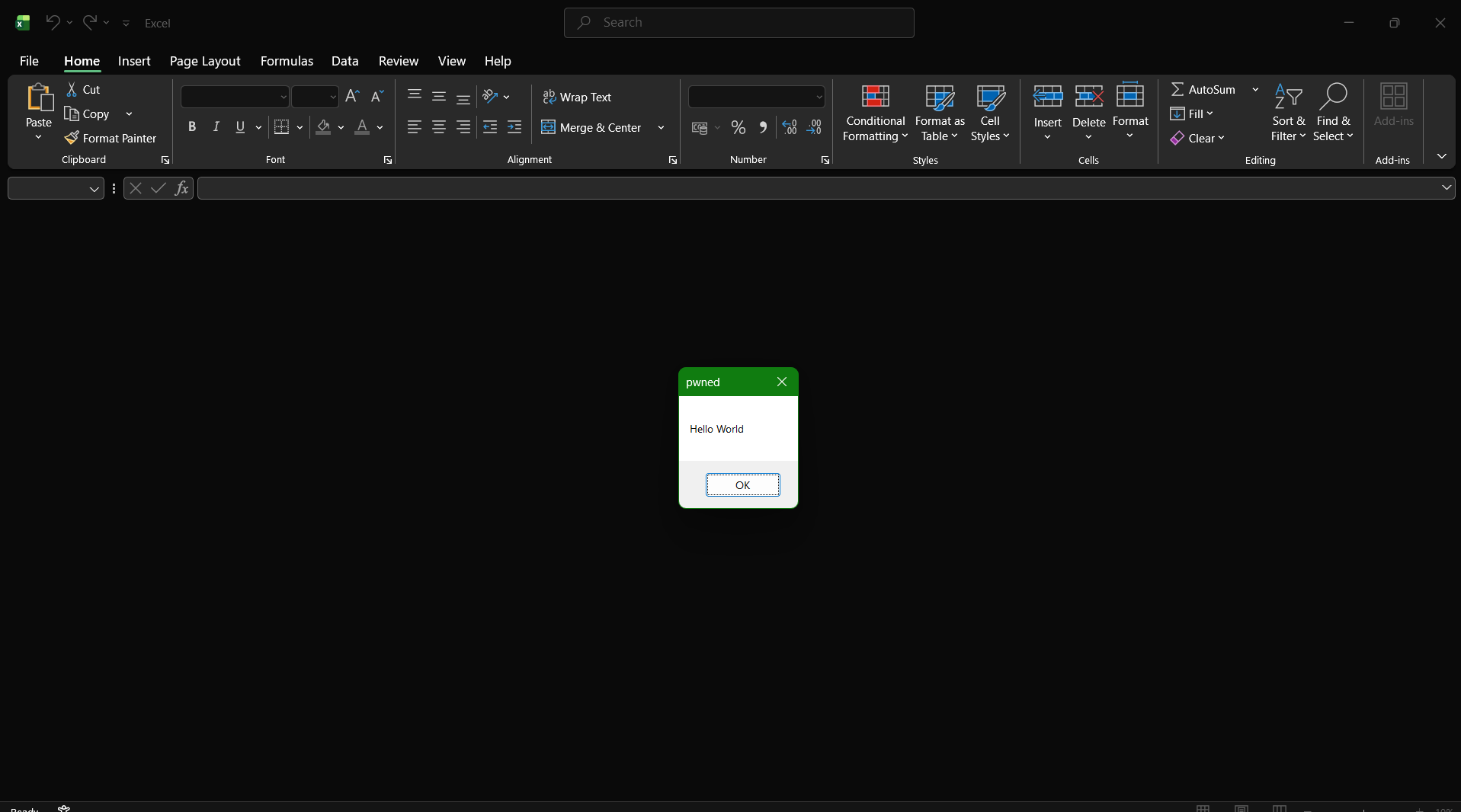
If we try to open that….
This means the macro loaded successfully
For the exe payload , just replace the link and remove the xlam
|
|

We get a callback as the excel opens

Disclaimer
The techniques demonstrated in this article are for educational and research purposes only and are intended to illustrate how attackers approach the delivery stage of an attack. In real-world environments, modern defenses such as Microsoft Defender, Office macro restrictions, and application trust policies may prevent or disrupt these techniques. Successful execution is highly dependent on the target’s configuration, Office version, and security posture, and the presence of these controls does not imply a flawed environment.